
Cloud
Sync and accounts
Learn what syncs, when a paid plan is required, and how devices behave.
Reviewed August 12, 2026 · Stowspace team
The Windows desktop library is free and local by default. An account is optional. Paid sync is the bridge between desktop, Android, and the cloud archive.
What syncs
Sync covers item metadata, article HTML, highlights, tags, collections, reminders, saved searches, reading state and progress, and available file records. Video transcripts are included with the synced item data and remain searchable.
Large stored files move separately from the compact library records, so their download may finish after the item itself appears.
Paid access
Sync, cloud archive, Android access, and hosted AI require a paid plan. If a subscription ends, local reading and organization keep working; paid network features pause until access is restored.
Changes on more than one device
Stowspace records changes as revisions and applies the newest accepted field changes when devices reconnect. Deleted records are carried as deletions so an older offline device does not silently restore them. If two devices edit the same detail while offline, review the item after both devices have synced.
Sign out and remove a device
Signing out stops that device from syncing and revokes its session when the server can be reached. Account-scoped local data remains isolated on that device so the same account can resume later. If sign-out happens offline, server revocation completes when connectivity returns.
Use account settings to remove devices you no longer control. A removed device can no longer sync and receives the account lifecycle state when it next contacts the service.
For a portable local copy independent of sync, make a desktop backup.
Follow the guide
Before you start
- An active Connected plan and the same signed-in account on Windows and Android.
- A stable connection while a device performs its first or recovery synchronization.
- A current local backup before intentionally replacing or restoring library data.
Steps
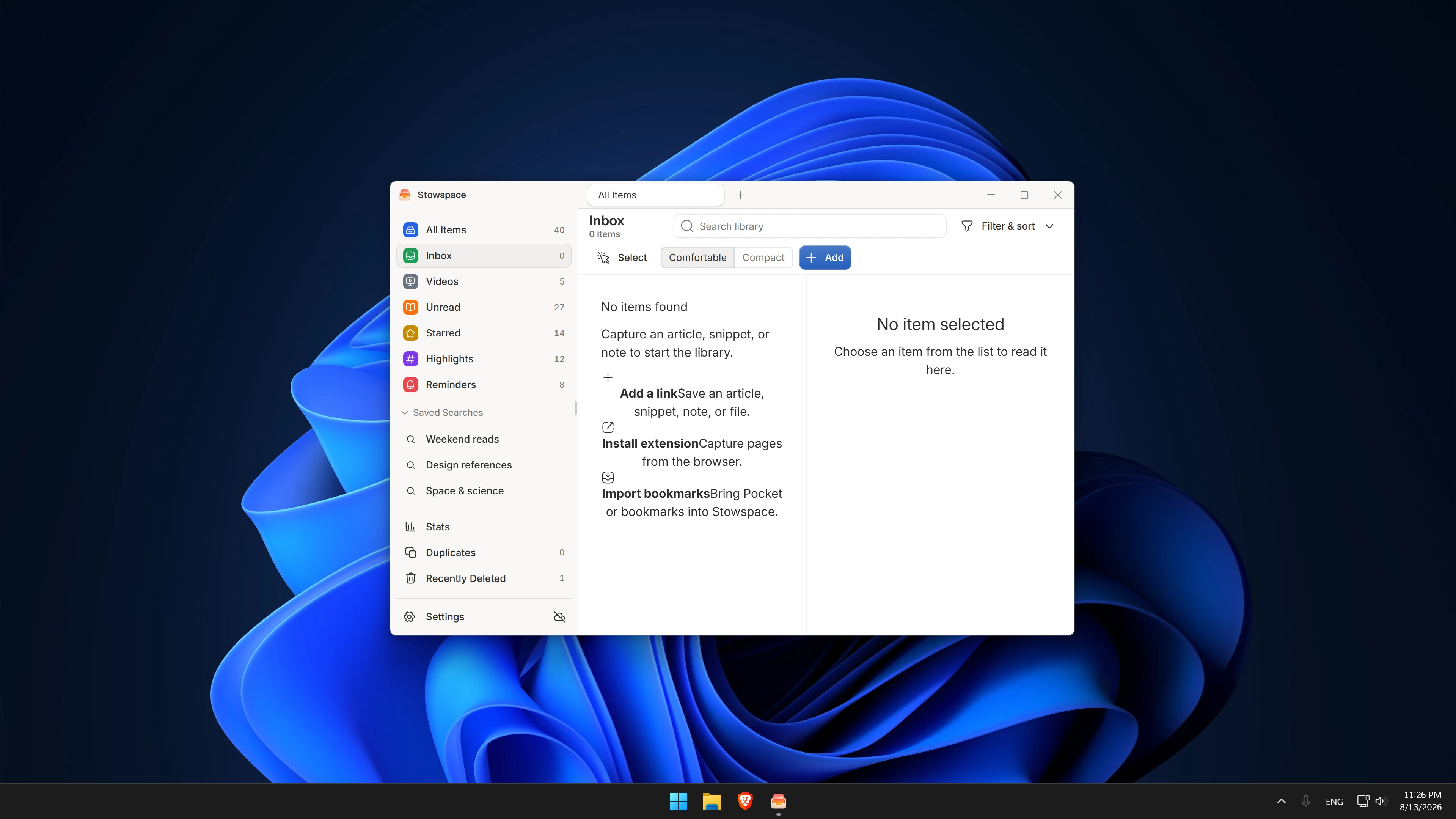
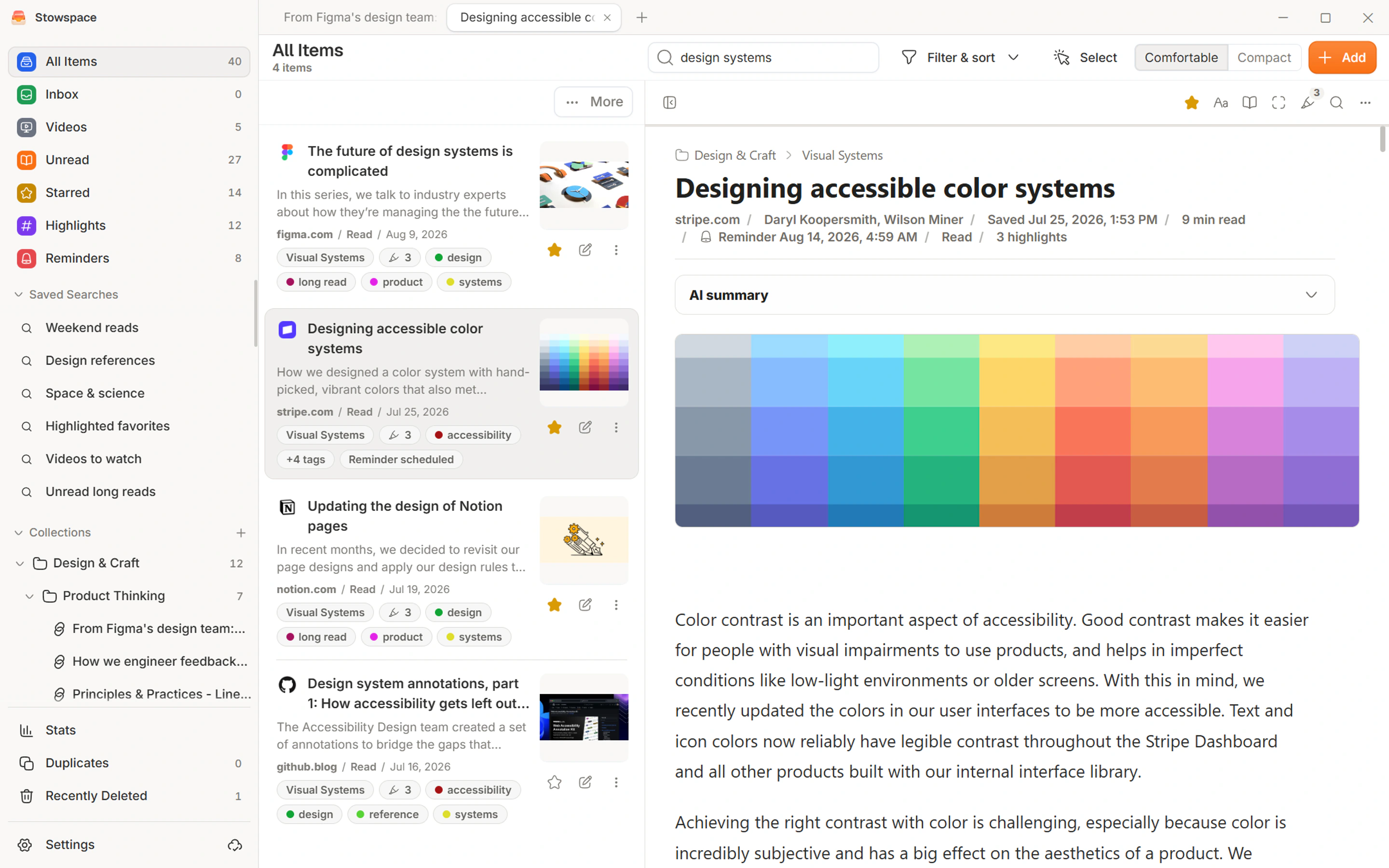
- Sign in on Windows and allow its existing local library to finish preparing account-scoped changes.
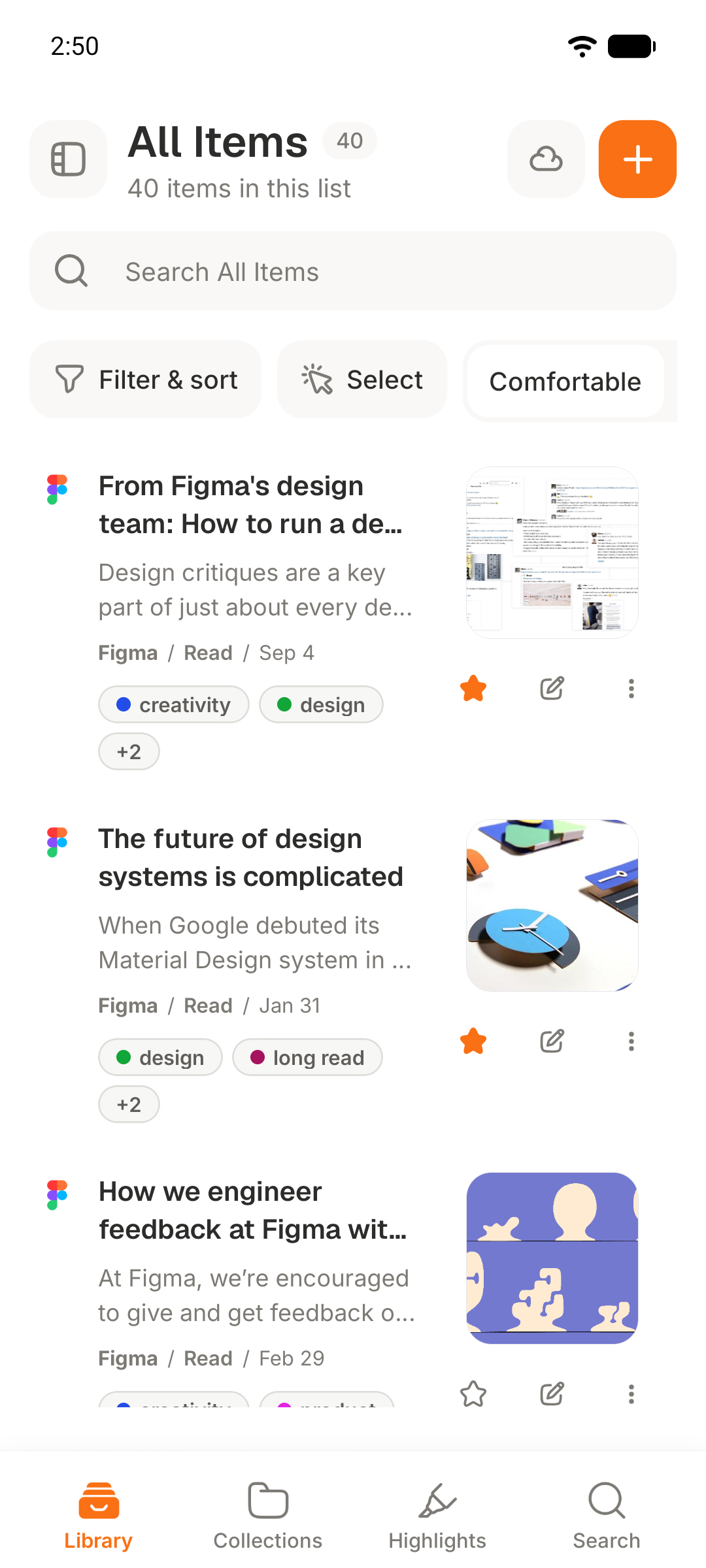
- Sign in on Android with the same account and keep both devices online for the initial exchange.
- Change the read state or add a tag on one device, then confirm the change reaches the other device.
- Test an offline change, reconnect, and wait for Stowspace to exchange the pending update.
Expected outcome
Items, available archived content, progress, highlights, notes, collections, tags, reminders, and deletions converge across the two signed-in devices.
Common errors
- Changes appear on only one device
- Verify both devices use the same account, reconnect them, and let each device finish before creating repeated conflicting edits.
- A canceled plan stops Android access
- This is expected: Connected services pause, while the complete local Windows library and its backup and export tools continue to work.