
Stowspace for Windows
A free, local-first read-later library for Windows.
Stowspace turns the useful parts of the web into a library that lives on your computer. Capture material from Chrome or Edge, read it in a focused desktop reader, and organize it without making an account or sending your collection to a cloud service.
Download free for Windows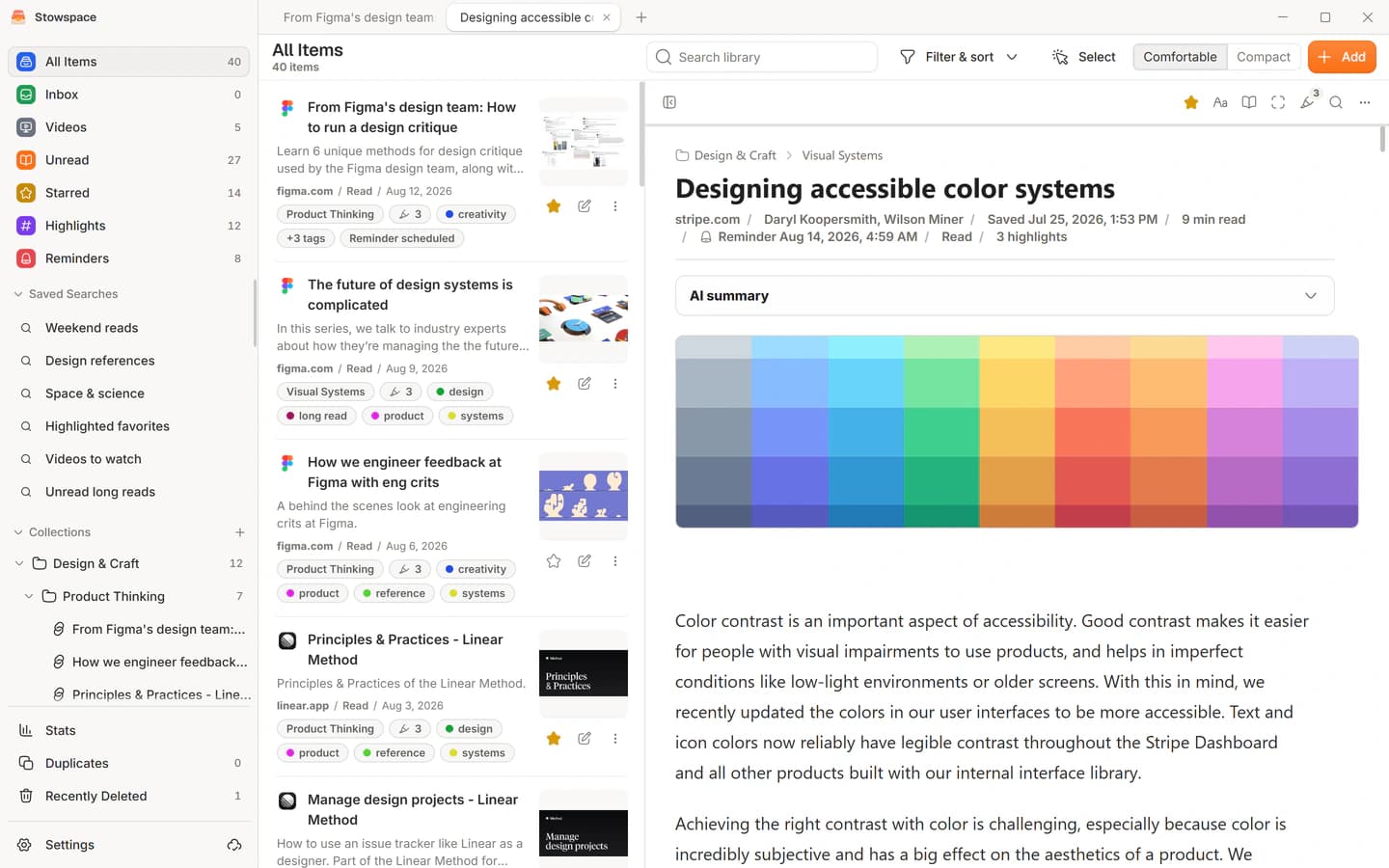
Keep the useful part, not another open tab
Save readable articles, selected passages, notes, full-page snapshots, and supported video transcripts. Each item keeps its source context while becoming searchable and easier to revisit than a browser bookmark.
The browser extension sends only the page or selection you explicitly choose to save. Captured material goes to the Stowspace app on the same Windows computer through its local bridge.
- Capture from current Chrome and Edge releases
- Read saved material without an internet connection
- Keep highlights, notes, tags, and collections together
A complete library without an account
The Windows app is the complete local product, not a time-limited trial. Search, reading, organization, reminders, cleanup, statistics, import, backup, restore, and export remain available without an account.
Your primary library stays on your Windows device. You choose when to create a backup, export your data, connect Android, or use an optional hosted feature.
Connected is optional
Stowspace Connected costs $9.99 per month and adds Android access, automatic sync, a 10 GB private cloud archive, and 200 hosted AI credits each month.
If Connected ends, cloud services and Android access pause. The complete local Windows library and the material already stored on your computer continue to work.
Common questions
Clear answers before you start.
- Which versions of Windows are supported?
- Stowspace supports 64-bit Windows 10 and Windows 11. There is no macOS, Linux, or iOS version.
- Do I need an account?
- No. An account is only required for Connected services such as Android, sync, cloud archive, hosted AI, and billing.
- Can I take my data with me?
- Yes. The Windows app includes backup, restore, import, and export tools so your local library remains portable.