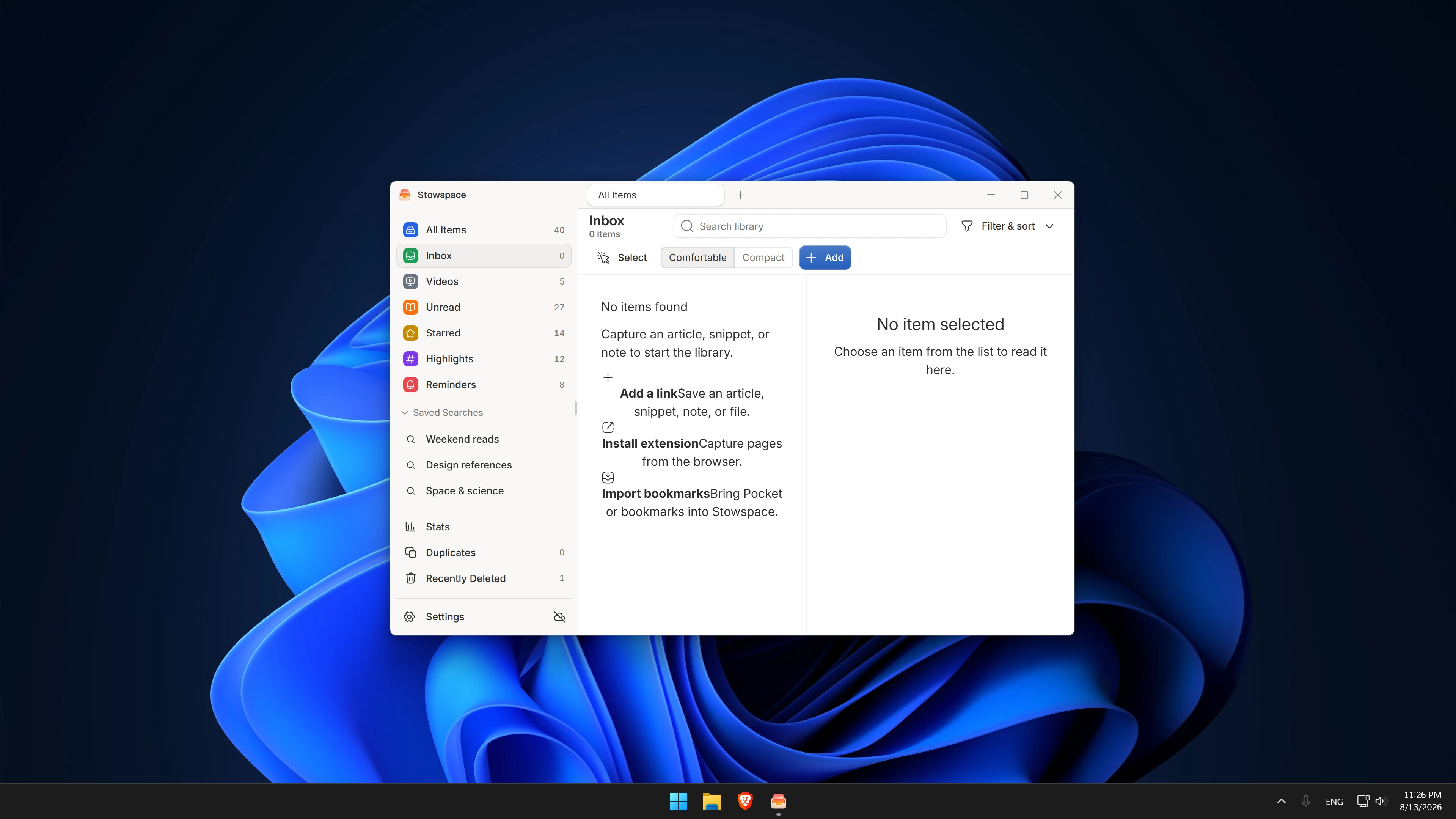
Continue on either device
Save on Windows, pick up on Android, and keep reading progress, highlights, notes, and organization with you.
A free read-later library for Windows. Save from your browser and read offline. Add Connected for Android, automatic sync, cloud storage, and AI that helps you get through your reading.
Your local Windows library keeps working if you cancel.
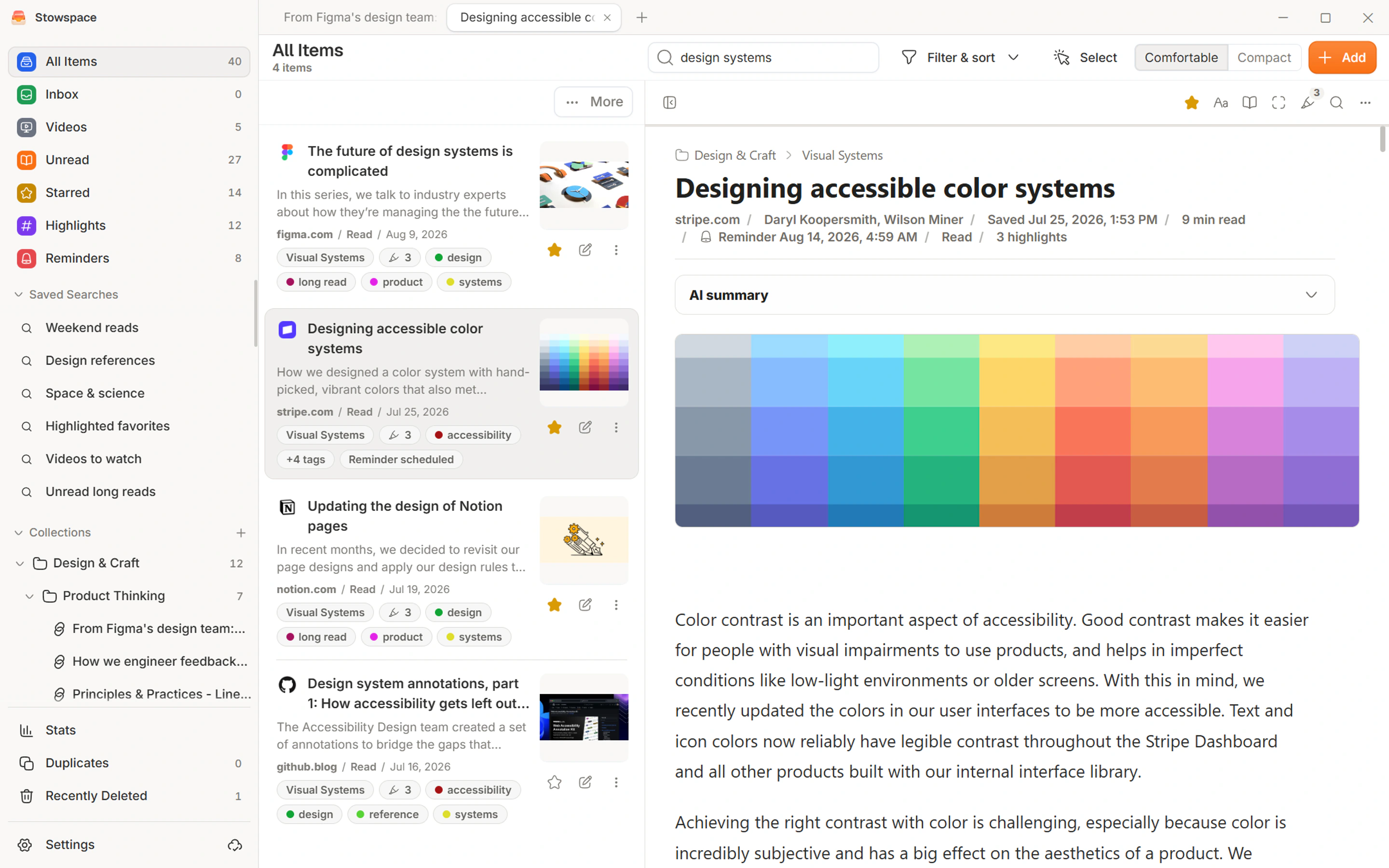
Stowspace Connected
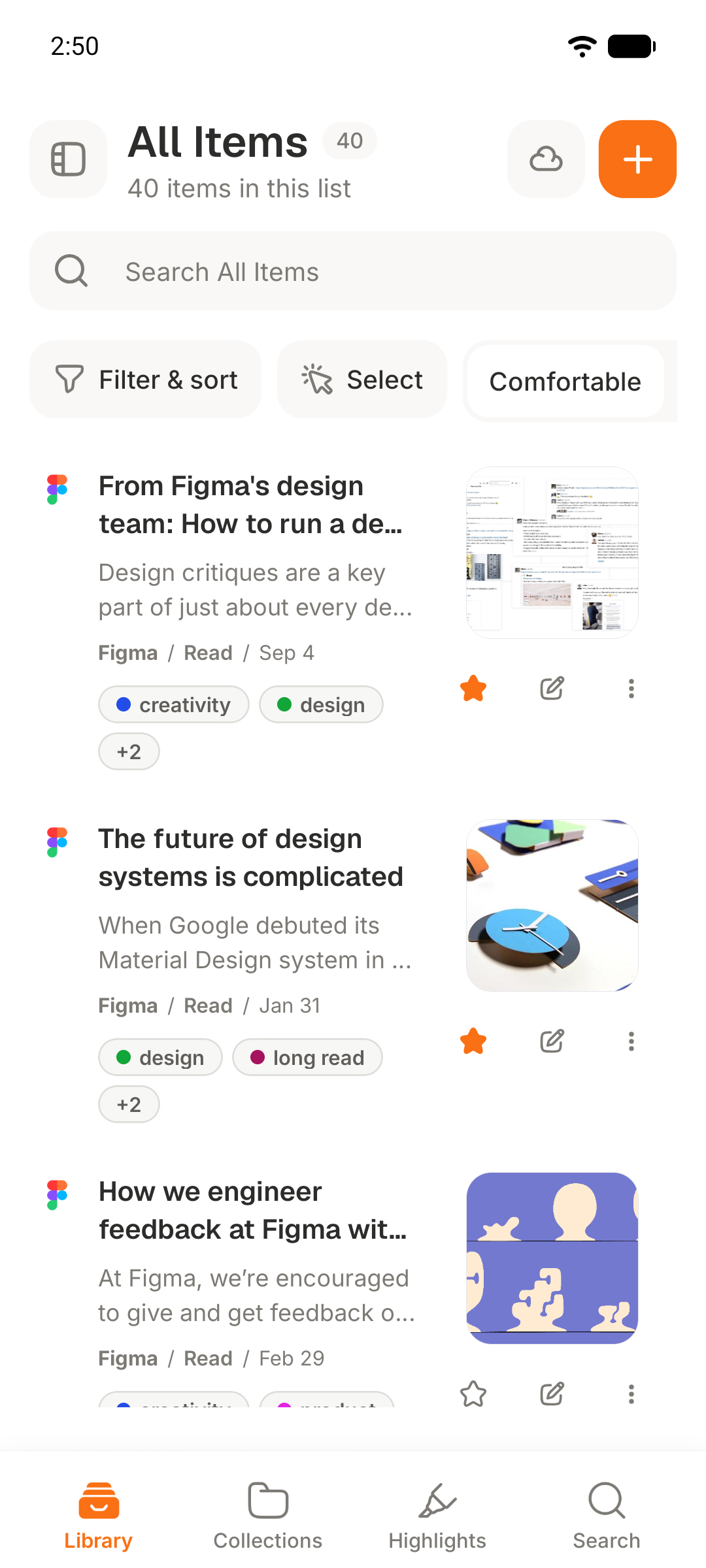
Connected turns Stowspace into one dependable library across Windows and Android, with automatic sync, private cloud archive, and hosted AI when it saves you time.
Your local Windows library remains available if the subscription ends. Android and connected services pause; your on-device copy stays yours.
Save on Windows, pick up on Android, and keep reading progress, highlights, notes, and organization with you.
Connected keeps both libraries current in the background and catches up after either device reconnects.
A 10 GB private cloud archive keeps durable copies available when an original page changes or disappears.
Use 200 included monthly AI credits for summaries, key points, and tag suggestions.
One library, five useful shapes
Readable text, images, and the original source.
Save a useful passage without keeping the whole page.
Markdown notes beside everything you collect.

Save an HTML copy of the page layout.
Save supported video links and available transcripts.
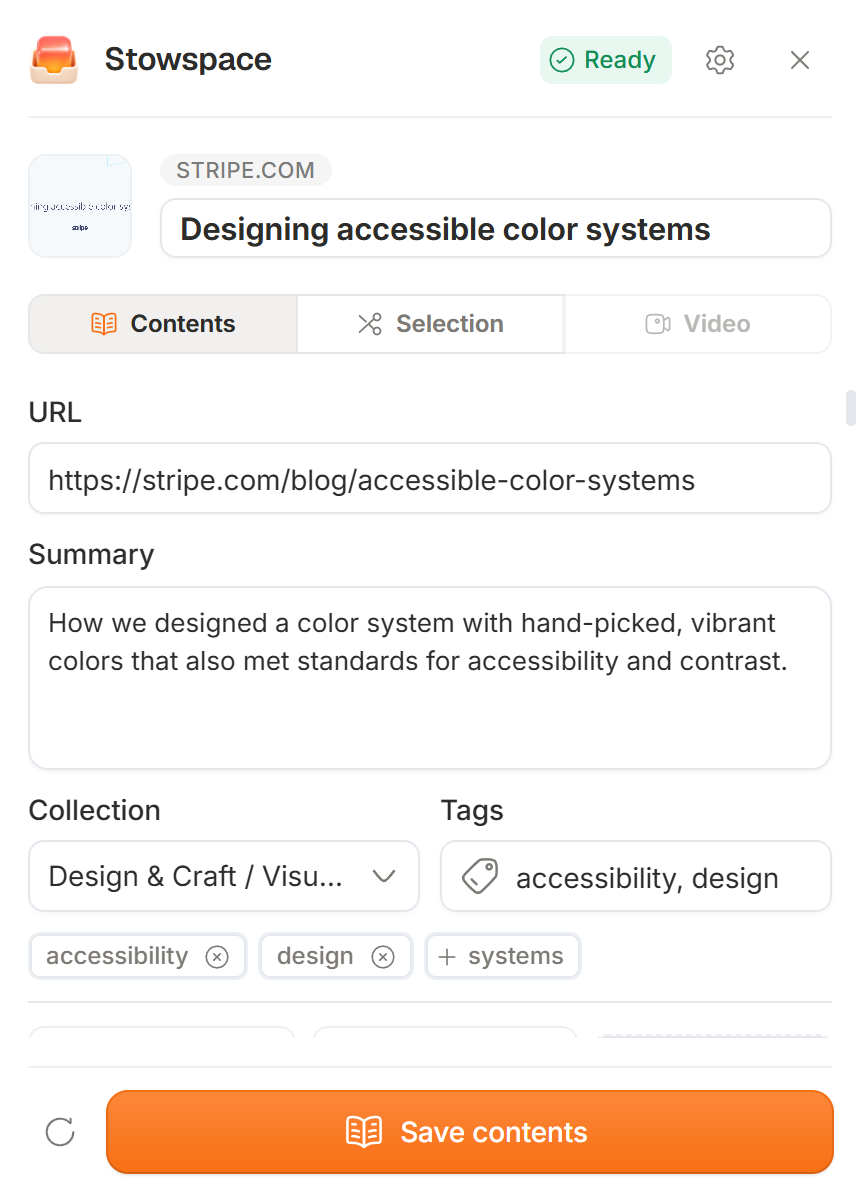
Capture an article from Chrome, Edge, or Firefox. Stowspace keeps a clean copy in your Windows library, ready to read offline and search later.
Chrome, Edge & Firefox extension
In Chrome, Edge, or Firefox, choose the content, collection, and tags—then save without leaving the page. Quick Add feeds the same library; with Connected, Android sharing does too.
The reader
Saved pages open as calm, offline-ready articles. Highlight the useful parts, add a note, and find them again without returning to a crowded browser tab.
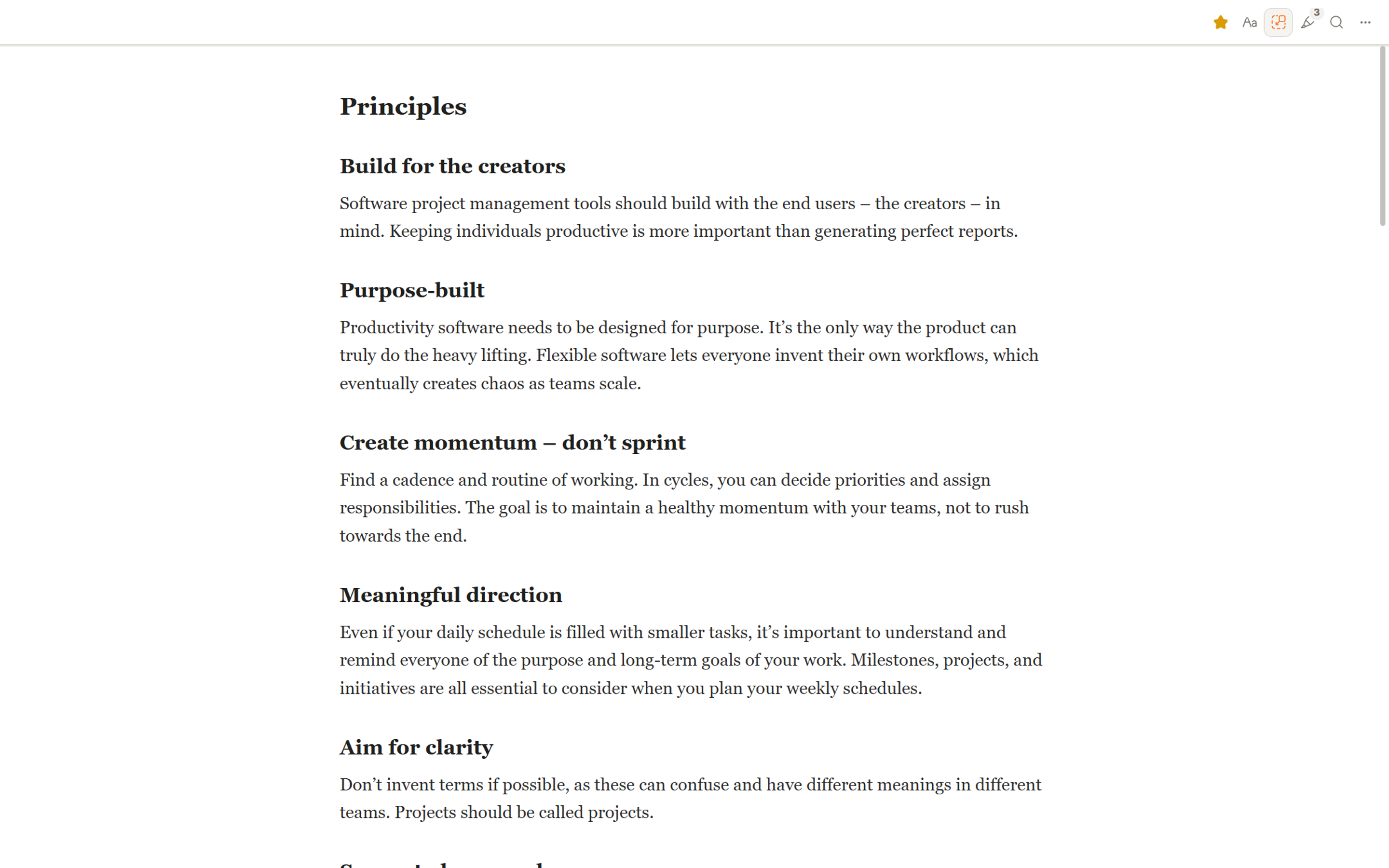
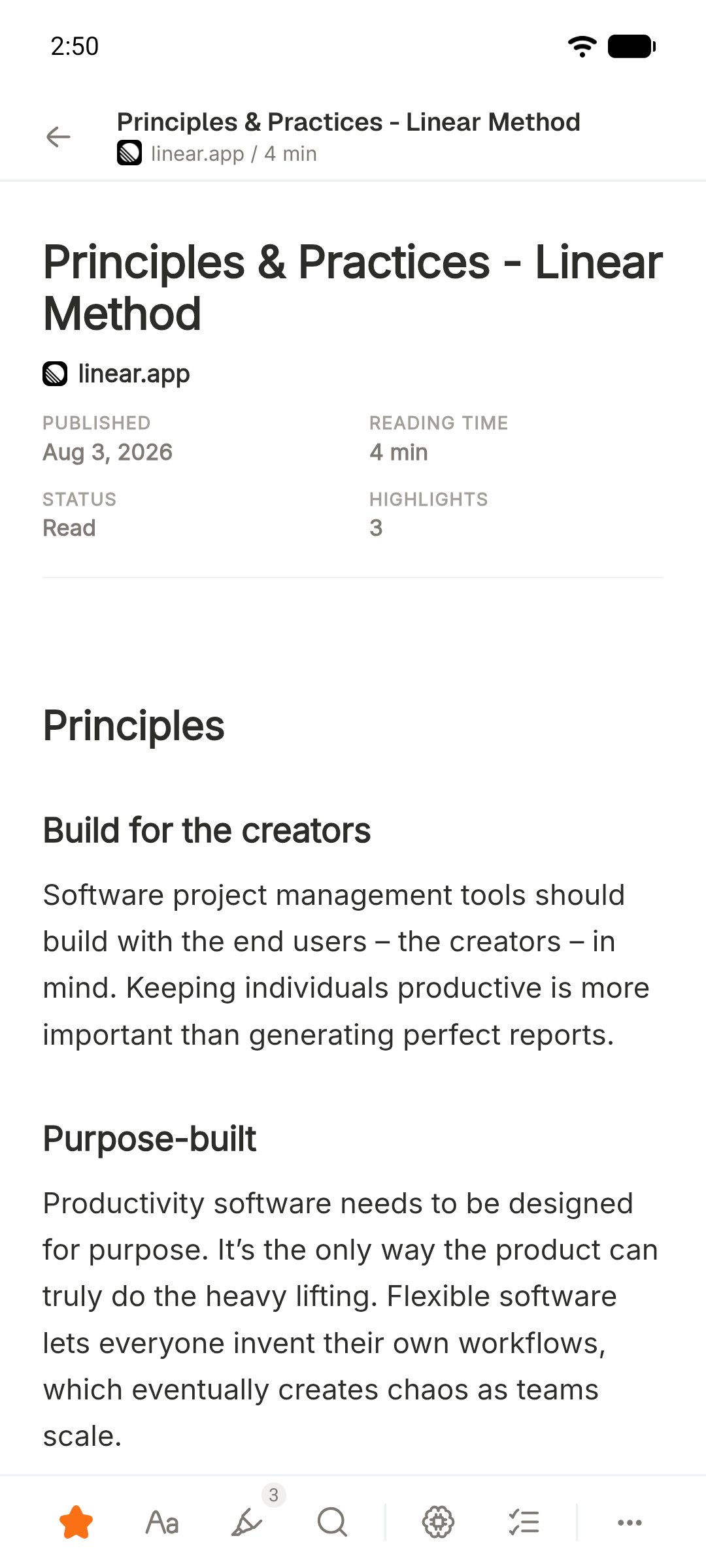
Reader themes
Choose a clean white page, warm paper, or a darker surface for the evening. Auto can follow your app or system setting.
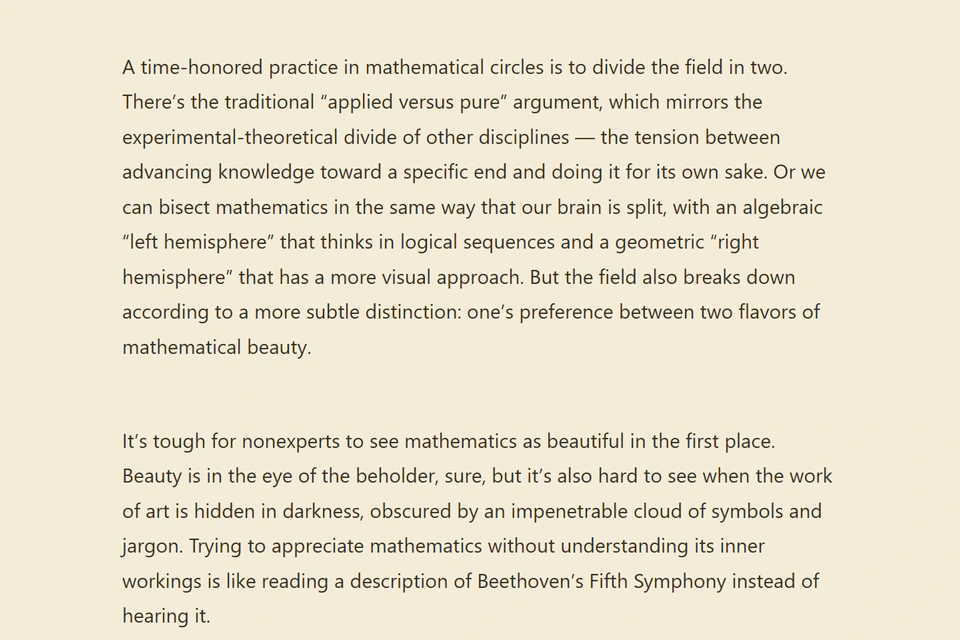
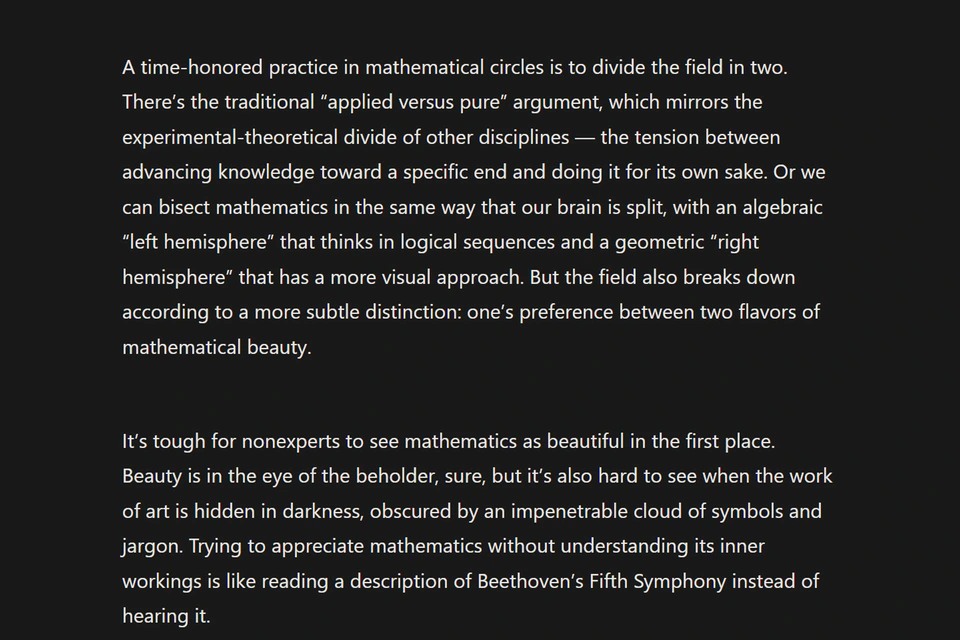
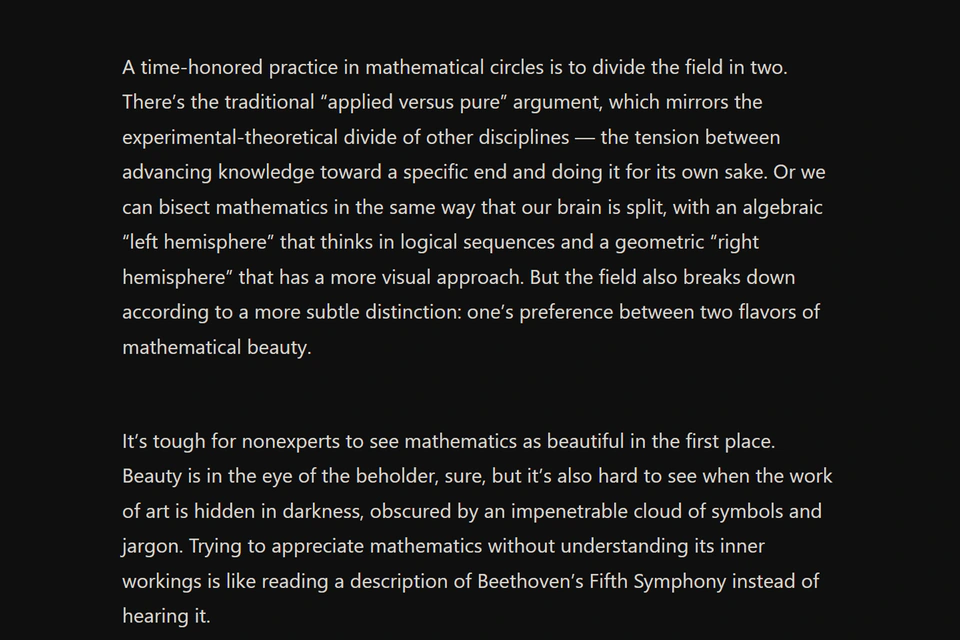
Search and saved searches
Search every article, note, highlight, and transcript from one place. Stowspace finds matches across your entire library.
Save the queries you return to, including their filters, and run them again in one click.
Highlight while you read and keep your note beside the passage. Find the useful parts again, then copy or export them with the source.
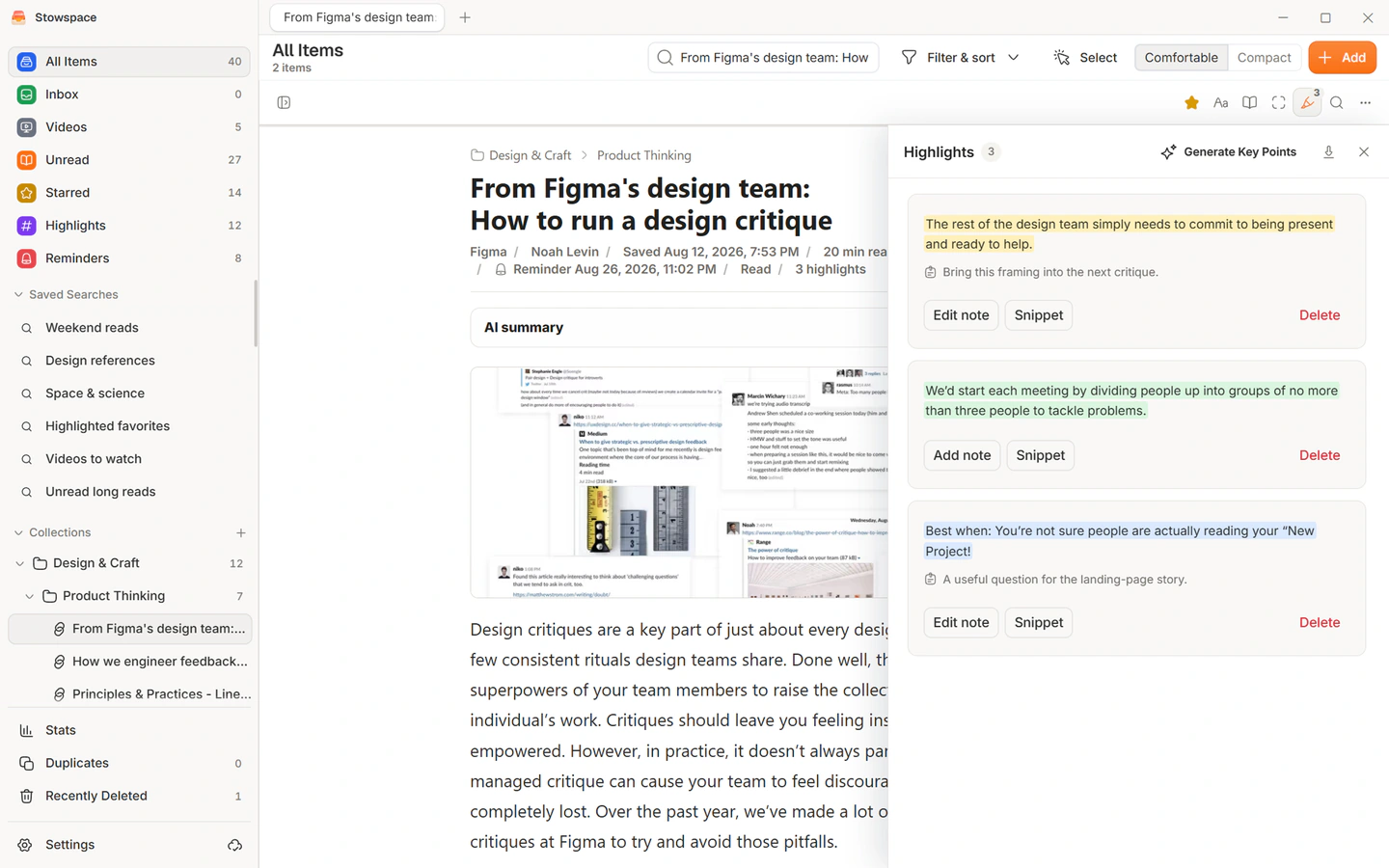
Connected keeps reading progress, highlights, notes, tags, and saved pages current across Windows and Android—automatically after either device reconnects.
Your complete local library remains yours
Android Automatic sync Protected copies
Generate a summary without leaving the item you’re reading. Key points live with your highlights, and tag suggestions stay editable until you save them.
Stowspace shows the cost before every request. Only the current item is sent, and nothing runs automatically.
Connected · Illustrative AI examples
City notes
Common Ground Journal 7 min read
City trees work like quiet infrastructure: they cool streets, absorb noise, and make public space feel safer and more inviting. Their value grows when shade, paths, and seating form a connected network rather than isolated pockets.
Saved with this article
A mature canopy changes more than the temperature. It softens noise, slows a hurried street, and gives people a reason to pause.
The strongest projects connect shade, movement, and places to rest instead of treating each tree as an isolated amenity.
Pull the useful ideas into a short list you can scan later.
Review the suggestions, edit them, then save only what fits.
The Windows app works without an account, connection, or subscription. Bring in what you already have, keep an independent backup, and export readable files whenever you want.
No ads. No profiling. No resale.
Your content stays on this device until you turn on Connected or request hosted AI.
Delete your account and its cloud copies are removed. Your local library remains yours.
Your Windows library and reading statistics live on your computer.
Preview reading-list exports, bookmark HTML, and plain URL lists before importing.
Create a portable ZIP, then preview, merge, or deliberately replace when restoring.
Export Markdown, standalone HTML, library.json, notes, and highlights.
Desktop backups include structured records, Markdown, standalone archived HTML, and available archived media.
Nothing important hidden
One connected plan
Stowspace Connected
Recommended$9.99
per month
Read on either device, keep both libraries current, and protect the content you do not want to lose.
200 AI credits/month — enough for 100 summaries, or a mix of AI actions. Reopening saved results uses no additional credits.
Free · Windows
Free
The complete on-device Windows experience. No account and no time limit.
Does not include Android access, sync, cloud archive, or hosted AI.
Put your library to work: save articles for offline reading or organize research with highlights and notes.
Keep Windows and Android in sync, protect saved pages in the cloud, and use 200 hosted AI credits each month for $9.99.
 Stowspace