
Getting started
Getting started
Install Stowspace, make your first save, and choose whether to add an account.
Reviewed August 12, 2026 · Stowspace team
Stowspace is a private library for four kinds of things: articles, snippets, notes, and videos. The Windows desktop app keeps its database on your computer, so reading, organizing, and search do not depend on an internet connection.
Choose where to begin
- Download the Windows app for the complete local library.
- Add the Chrome or Edge extension to save pages and selected text from your browser.
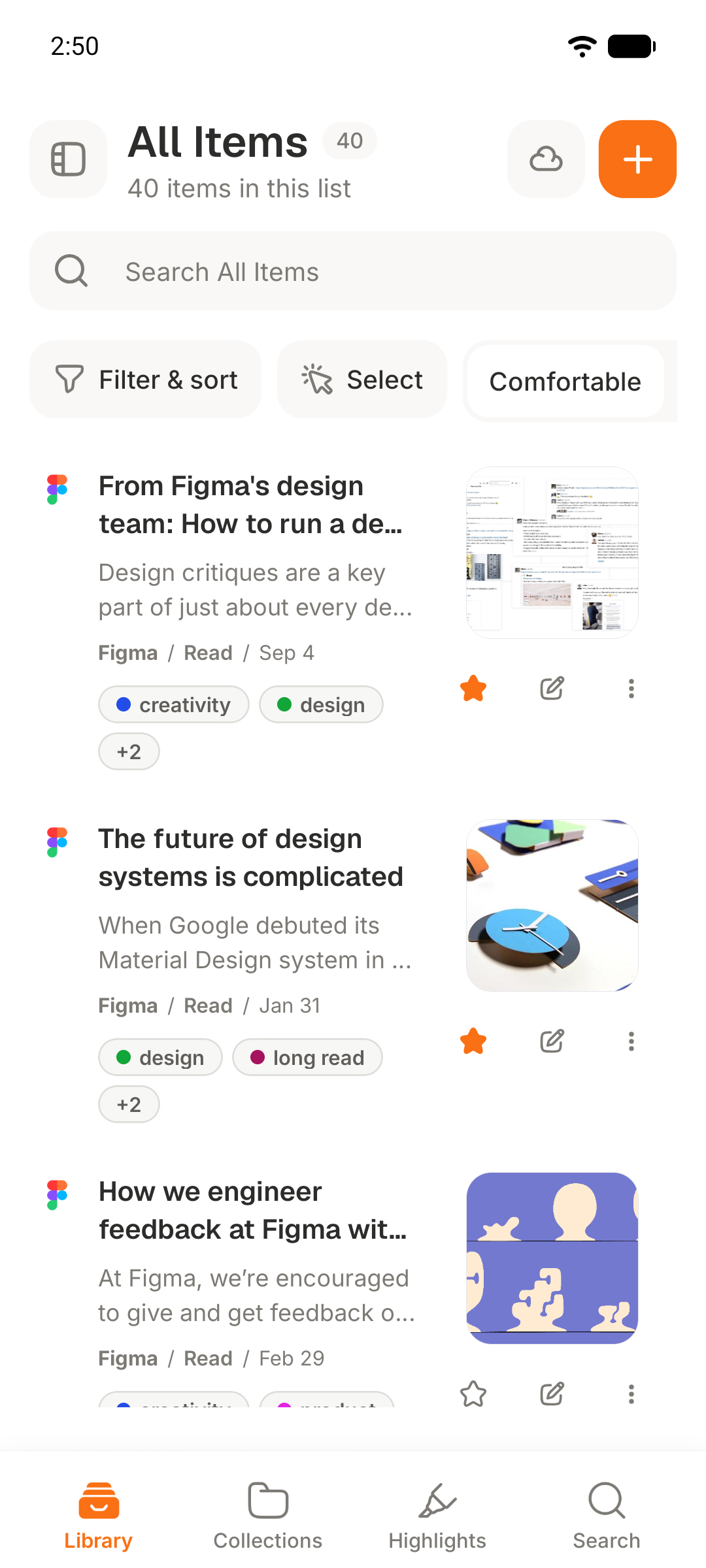
- Add the Android app if you have a paid plan and want your synced library on your phone.
The desktop app is free and works without an account. Create an account only when you want paid sync, cloud archive, Android access, or hosted AI.
Make your first save
In the desktop app, create a note or paste a web address. From Chrome or Edge, open the extension on a page and save it. Stowspace extracts readable article content when it can; a selected passage becomes a snippet, and supported video links become video items.
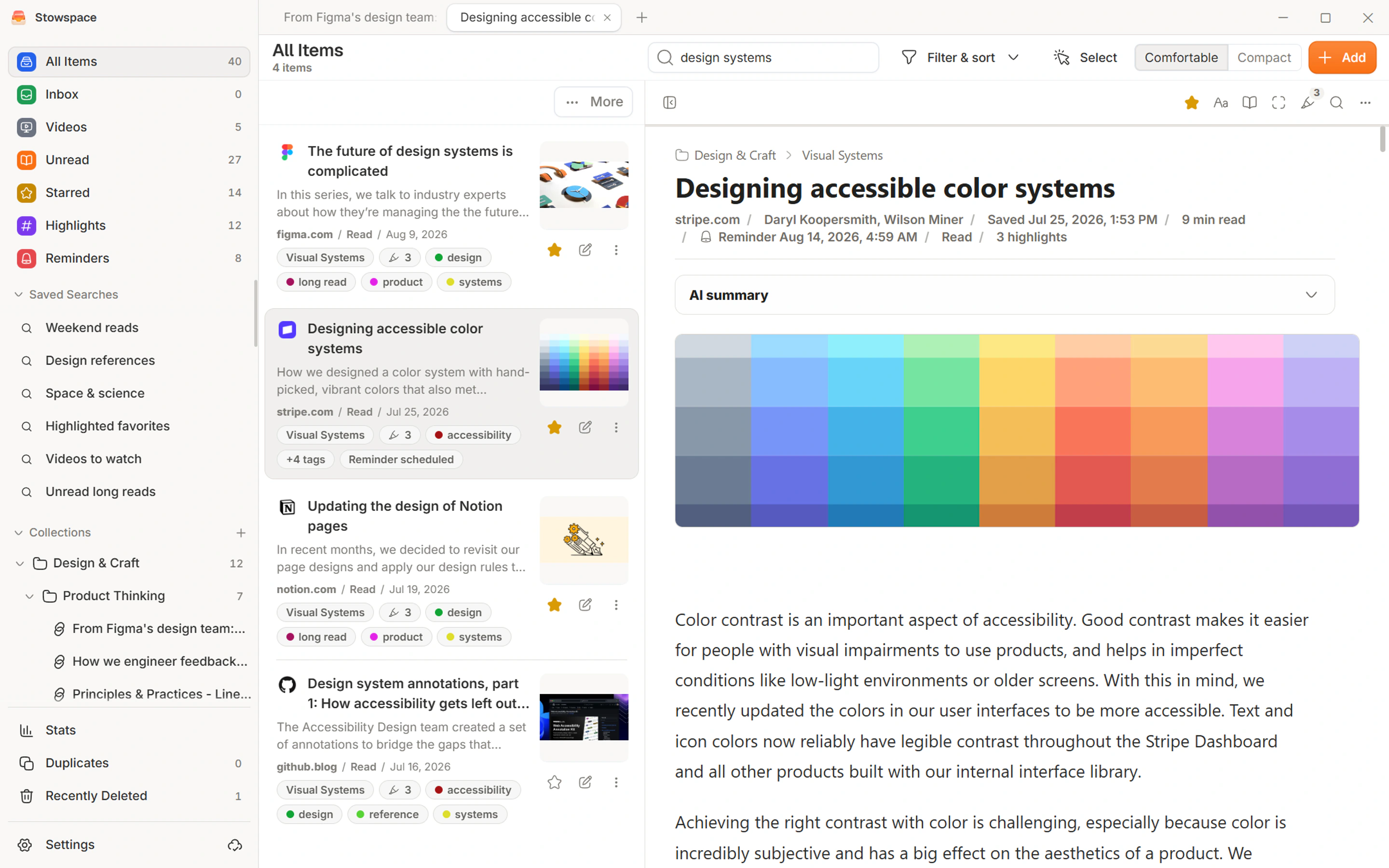
You can then add tags, place items in collections, mark them read or unread, and search titles, article bodies, notes, snippets, and video transcripts.
Why saves work with the app closed
The Windows installer also starts a Windows background service. That service owns the local database and accepts saves from the browser extension, even when the Stowspace window is closed. Windows may therefore show both installation and service prompts.
Next: Install Stowspace on Windows.
Follow the guide
Before you start
- A 64-bit computer running Windows 10 or Windows 11.
- Chrome, Edge, or Firefox if you want to save directly from the browser.
- An account only if you plan to use Connected, Android, cloud archive, or hosted AI.
Steps
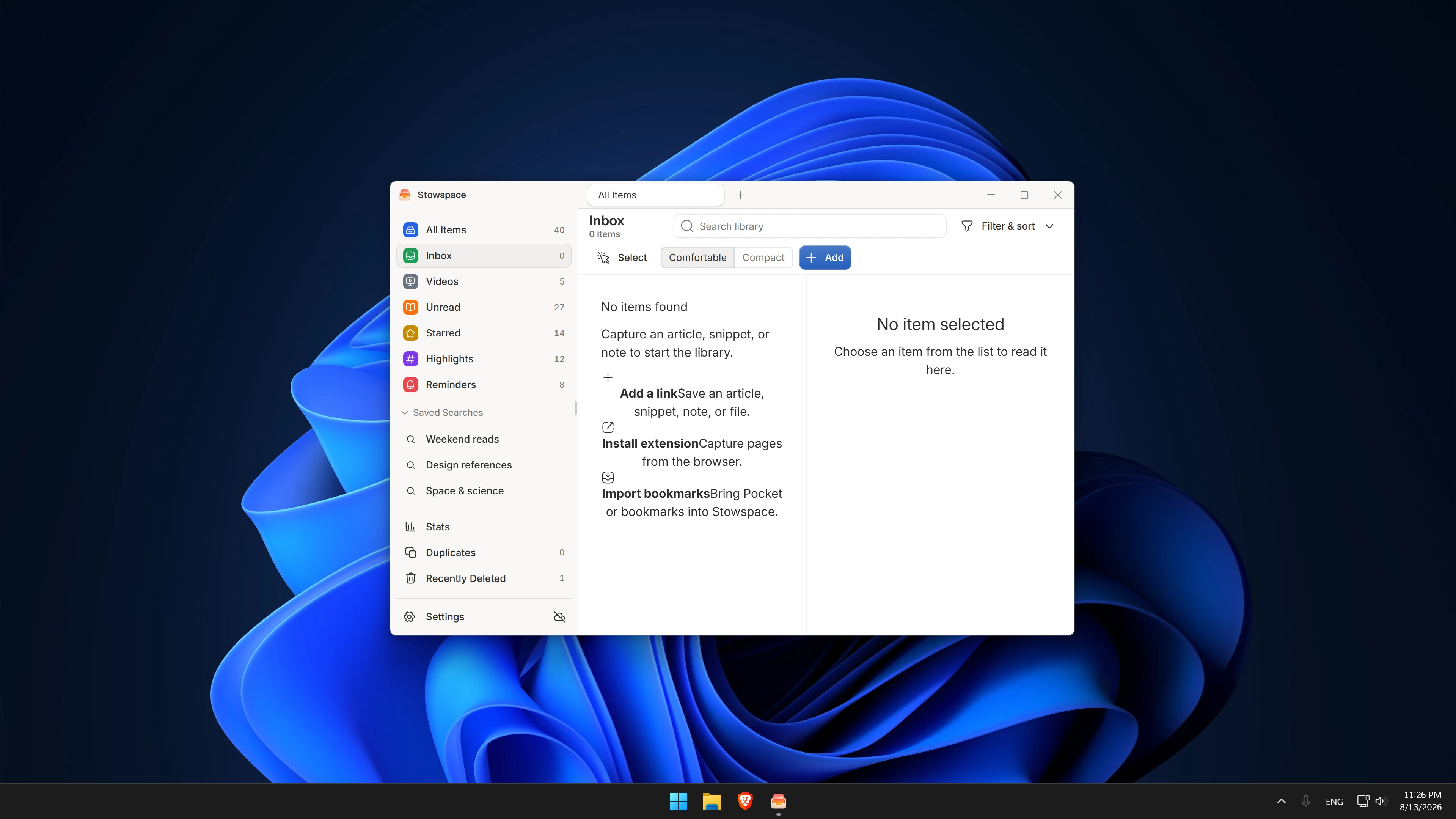
- Install and open the Windows app, then confirm that the library screen loads.
- Create a note or paste a public web address to make a first local item.
- Install the Chrome, Edge, or Firefox extension and use it on a page you are allowed to save.
- Add a tag or collection, close the window, and reopen Stowspace to confirm the item remains available.
Expected outcome
You have a working local library with at least one saved item. Reading, organization, and search continue without an account, while Connected remains an optional next step.
Common errors
- A browser save does not arrive
- Confirm the Windows installation completed and the Stowspace background service is running, then retry from Chrome, Edge, or Firefox.
- The page cannot be converted into an article
- Save the link, a selected passage, or a page snapshot instead; some interactive or restricted pages cannot expose readable article content.