
Apps
Android app
Install the Android app, sign in, and save from the share sheet.
Reviewed August 12, 2026 · Stowspace team
Stowspace supports Android 8 and newer. The Android app is for a synced library, so sign-in and a paid plan are required.
Install
Use the Play Store link on the download page when available. If an APK is provided instead, download it from this site, open it, and approve Android’s Install unknown apps prompt for the browser or file manager you used.
Sign in and sync
Open Stowspace and sign in with the same account used on desktop. The app keeps an account-scoped local database for offline reading. When a connection is available, use sync to exchange changes with your other signed-in devices.
Save from Android
From a browser or another app, use Android’s share action and choose Stowspace. Review the captured link or text, add an optional title and tags, then save it. You can also add a link, video, or note directly from the capture screen.
Backups stay on desktop
Android does not currently create or restore Stowspace backup archives. Use the Windows desktop app for backup and restore, and use paid sync to bring supported library data to Android.
Next: Sync and accounts.
Follow the guide
Before you start
- A phone or tablet running Android 8 or newer.
- An active Stowspace Connected plan and the same account used on Windows.
- A network connection for initial sign-in and synchronization.
Steps
- Install the approved Google Play release when the listing becomes available, then open the app.
- Sign in with the Connected account used by the Windows library.
- Allow the first synchronization to finish and open an item to make it available for offline reading.
- Share a link or note to Stowspace from another Android app and confirm it later appears on Windows.
Expected outcome
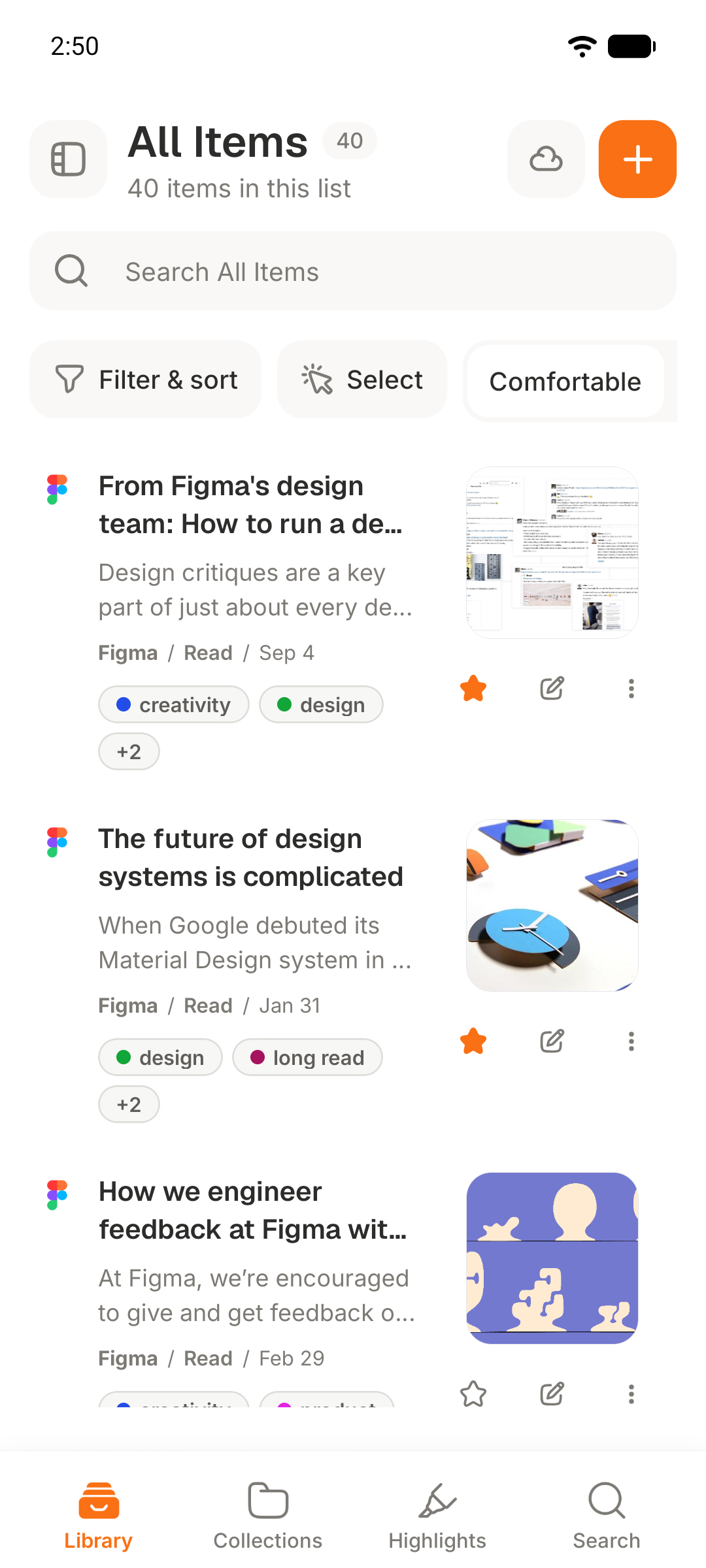
The Android companion shows the account library, preserves available reading material offline, and exchanges new progress and captures after reconnecting.
Common errors
- The library is empty after sign-in
- Confirm the account matches Windows and that Connected is active, then leave the app online long enough to complete its first sync.
- An item is unavailable offline
- Open it while connected first so the available article content can be stored on the device.